Remote Travel Connectivity Guide: Offline Maps, eSIMs and Backup Plans
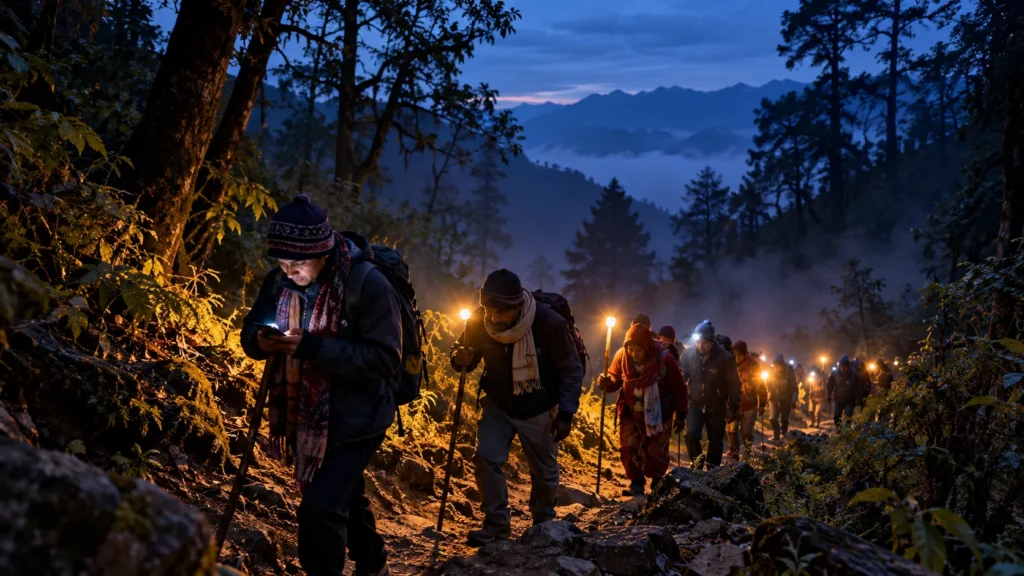
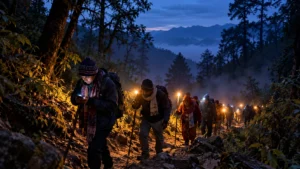
Some festivals start before sunrise on a forest trail. DionFest Danda Devrana Mela guide says the main ritual opens at 4 AM at about 2,500 metres, and that the last stretch to the temple is a forest trail on foot. Google’s own help page says walking directions are unavailable when you are offline. A phone with a full battery can still leave you without turn-by-turn help on the stretch where you need it most.
That is the main point of this guide: no single tool is enough. An eSIM cannot build a mobile tower. An offline map cannot call for help. A power bank cannot fix a SIM that does not work in the region. A good plan has layers: maps, the right SIM, saved details, power, and a low-tech backup.
The examples are from India: Ladakh (start with the Hemis Festival 2026 guide), the Uttarakhand hills, and the huge crowds of the Kumbh Mela. SIM rules and plans change often, so each rule below names its source. Confirm the current rule with your operator before you fly. DionFest did not test any network or app for this guide. It relies on the sources named, last checked on 29 October 2026.
The short version
- Download offline maps for your whole route, not just the destination, while you are on Wi-Fi.
- Check signal for your exact village or monastery, not just the nearest town.
- Ladakh Police say only postpaid mobile connections work in Ladakh. Prepaid SIMs from other states are unreliable.
- An eSIM needs an unlocked phone. It does not fix a place with no tower.
- Save your hotel details, emergency numbers and tickets where you can read them without internet. Print the key ones.
- Keep a paper and human backup: a printed route, a shared plan and a meeting point.
Downloading offline maps before departure
Do this at home, on Wi-Fi, a few days before you leave.
- Download the whole route. Google says offline maps can guide you only if the entire route is inside the downloaded area. For a trip like the one in DionFest Devrana guide (Dehradun, then Barkot, then Naugaon), that means the whole corridor, not only the village at the end.
- Know what stops working. Google says that offline, transit, bicycling and walking directions are unavailable. If you drive offline, you get no traffic information and no alternate routes.
- Some places cannot be downloaded. Google says offline maps are not available in some countries or regions because of contractual limits, language support, address formats or other reasons. Check before you rely on them.
- Check the expiry date. Offline maps expire. Google says it tries to update an area on Wi-Fi when it has 15 days or less left. Open your Offline maps list before you leave and refresh anything close to expiry.
- Storage. On Android you can save offline maps on an SD card. If you change where you save them, you must download them again.
- Test it. Switch on airplane mode at home and search for your hotel and the trailhead. Then you know it works before you are somewhere with no signal.
- Add a paper-style backup. Save pins for your hotel, the trailhead, the bus stand and your meeting point. Take screenshots of the route and your booking.
Checking mobile coverage at the destination
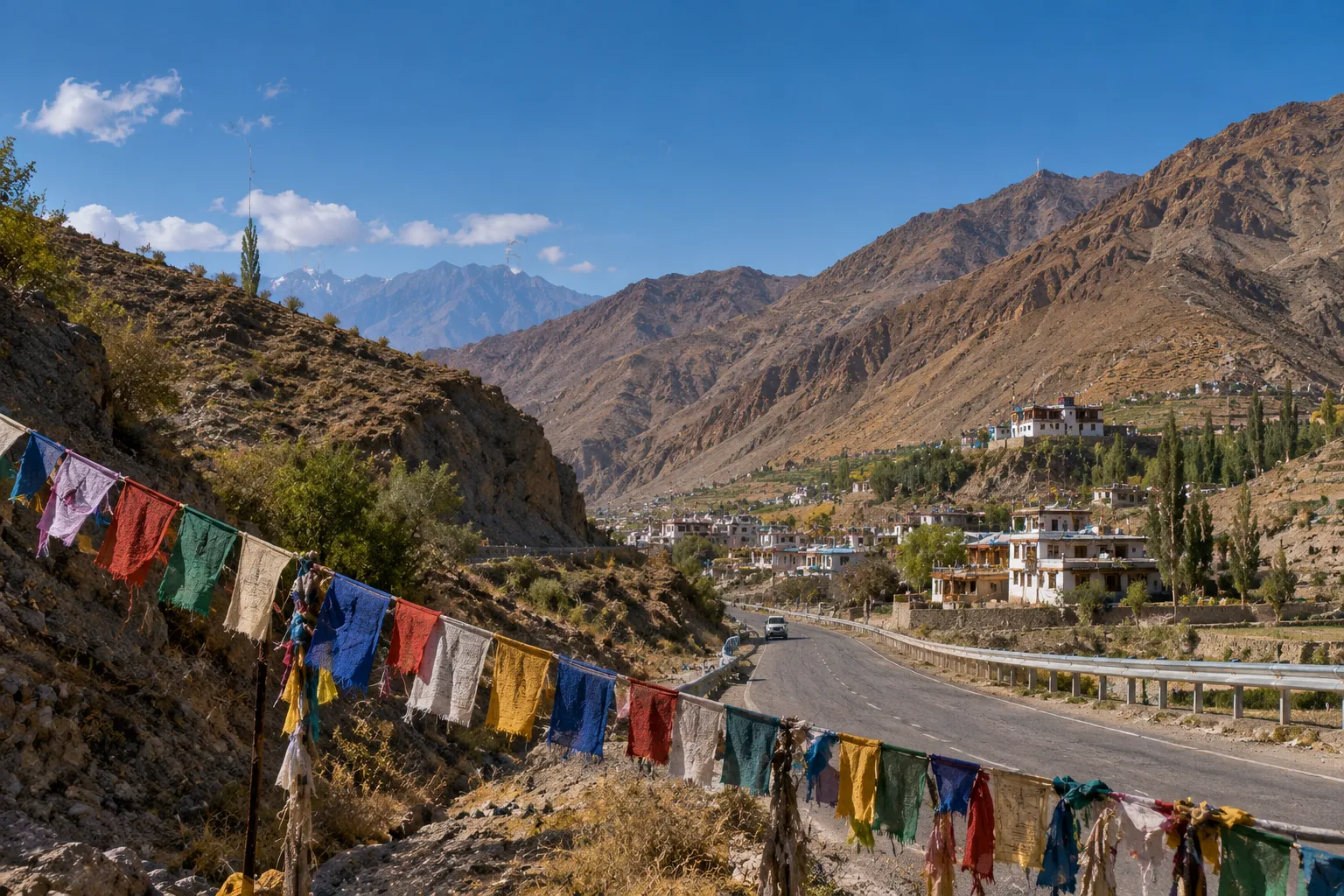 Coverage is local and uneven. Ask three questions: which network works at my exact place, is it fast enough to use, and will a crowd slow it down?
- Ask on the ground. Your homestay, organiser or driver will know which operator works at the venue. Ask before you choose a SIM. If your operator has a coverage map on its website, treat it as a guide, not a promise.
- Leh is not the rest of Ladakh. Ladakh Police’s tourist FAQ says internet is good in Leh but limited in rural areas. One long-running Ladakh travel blog says only a few towns on the Manali–Leh and Srinagar–Leh roads have phone signal. That blog is not an official source, but it matches the police warning.
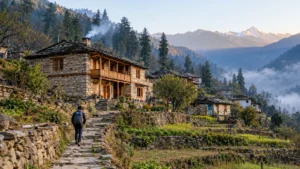
- Hill fairs. DionFest’s Devrana guide says there is no tourist infrastructure at or near Devrana, and DionFest packing list says to carry cash only because there are no digital payments in the area. Plan for weak or no data there, and keep payment and navigation offline.
- Big crowds. A tower can exist and still be slow. Before the 2025 Maha Kumbh, India’s Department of Telecommunications said it had added 328 towers and 575 base stations in Prayagraj. Reports on the plan add that it deployed 78 mobile towers on wheels and 150 small cells to handle heavy demand in crowded areas. On peak days, send your meeting-point message before you enter the crowd, not inside it.
The next big test: the Nashik Simhastha Kumbh. According to the Maharashtra government schedule reported by PTI, the Nashik-Trimbakeshwar Simhastha Kumbh Mela begins on 31 October 2026 with flag-hoisting at Ramkund and Trimbakeshwar. The three main Amrit Snan days are 2 August, 31 August and 11 September 2027 in Nashik (12 September at Trimbakeshwar), and the festival runs until 24 July 2028. The chief minister said devotees need not rush on particular days because the event runs for a long time. For connectivity, that is useful advice: the quietest days are the easiest for your phone and for finding each other. DionFest Kumbh Mela guide has the wider planning picture.
Choosing between a local SIM, roaming and eSIM
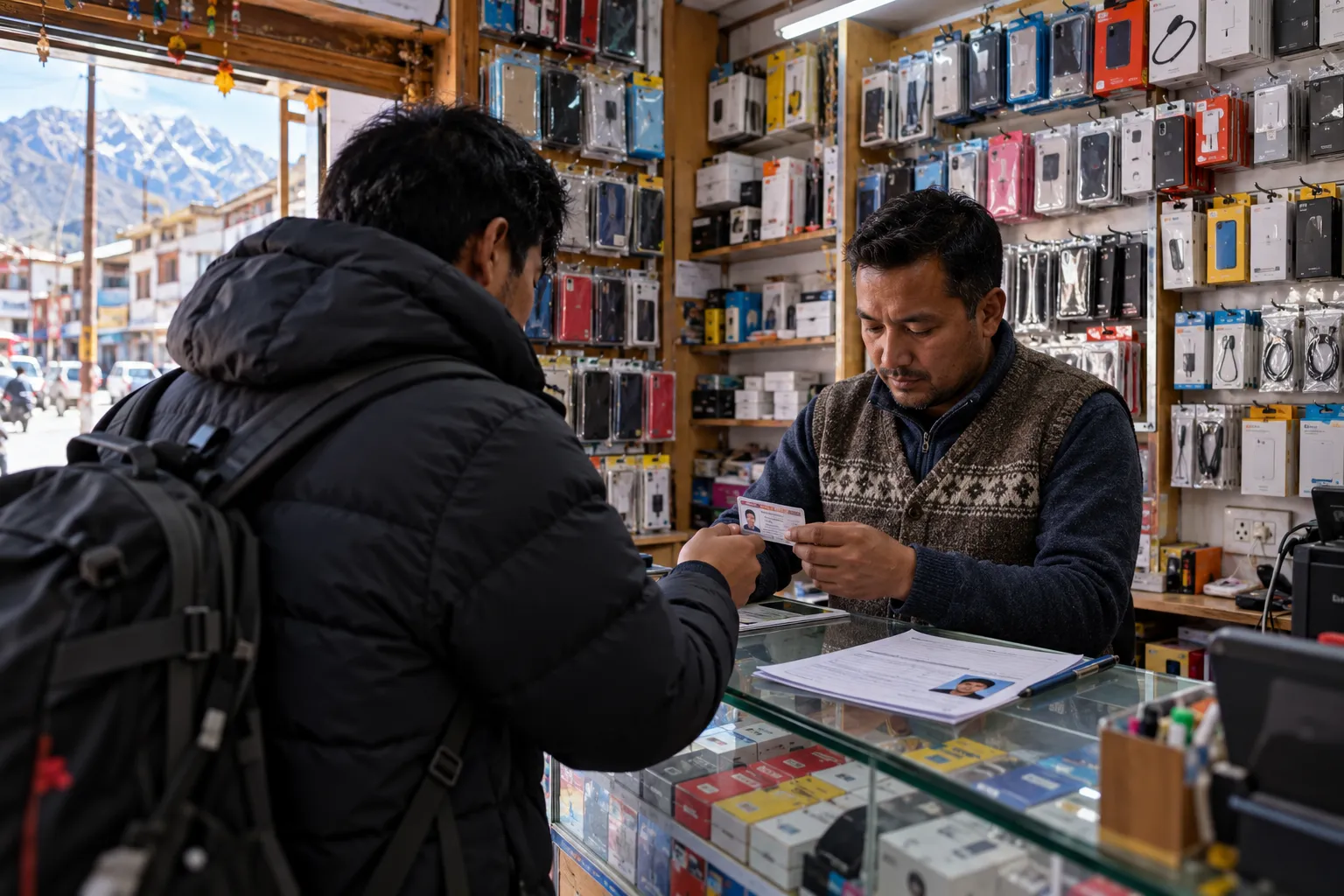 There is no single best option. The right one depends on where you are going and whose phone you hold.
| If you are… | Start with | Watch out for |
|---|---|---|
| An Indian traveller going to Ladakh | Your own postpaid line, or a temporary postpaid SIM bought in Leh | Prepaid SIMs from other states are unreliable there (Ladakh Police) |
| An Indian traveller going to an Uttarakhand hill fair | Your normal line, plus a second operator if you can | Patchy valleys. Ask your host which network works, and carry cash |
| A foreign visitor on a short trip | A travel eSIM installed before you fly, or a local SIM with KYC | The phone must be unlocked. Ask your provider if the plan works in Ladakh |
| Anyone at a huge gathering like the Kumbh | Any working line, plus a plan that does not need the network | A tower can exist and still be slow in a dense crowd |
- Roaming on your home plan. The easiest start. Check the price and whether it works at your destination. In Ladakh, special rules apply (see below).
- A local SIM. In India, a SIM needs KYC. Commercial travel guides say foreign visitors are asked for a passport, a visa and a photo, and they disagree on which operators sell tourist SIMs at the airport. Confirm with the operator before you rely on it.
- An eSIM. Apple’s guide says your iPhone must be unlocked. You can use a travel eSIM alone or as a second line next to your home SIM. If you use only the travel eSIM, FaceTime and iMessage still work on your home line. If you use both lines, the travel eSIM is used for data. Install it on Wi-Fi before you travel. Android phones also support eSIM, but the menus differ, so check your phone maker’s help page.
- What an eSIM cannot do. It cannot create signal where no network has a tower. eSIM sellers say multi-network eSIMs can switch to a stronger network, but that is a sales claim, not a guarantee. That helps only where at least one network reaches you.
- Ladakh’s postpaid rule. Ladakh Police say that only postpaid mobile connections work in Ladakh because of security restrictions, and that prepaid SIMs from other states are unreliable. Their advice is to buy a temporary postpaid SIM in Leh if you need one. Do not assume a foreign roaming SIM or travel eSIM works there. One Ladakh guide says foreign roaming SIMs do not work in Ladakh, but it is not an official source. Ask your provider in writing before you fly.
- Uttarakhand. The Ladakh Police rule is specific to Ladakh, and this guide found no similar rule for Uttarakhand in the sources checked. Coverage in remote valleys can still be patchy, so ask your host which network works.
- Two lines beat one. If you can, carry two lines on different operators. The same Ladakh blog says BSNL has the widest coverage in Ladakh. That is a blogger’s view, so check it with a local before you buy.
Saving hotel details and emergency contacts offline
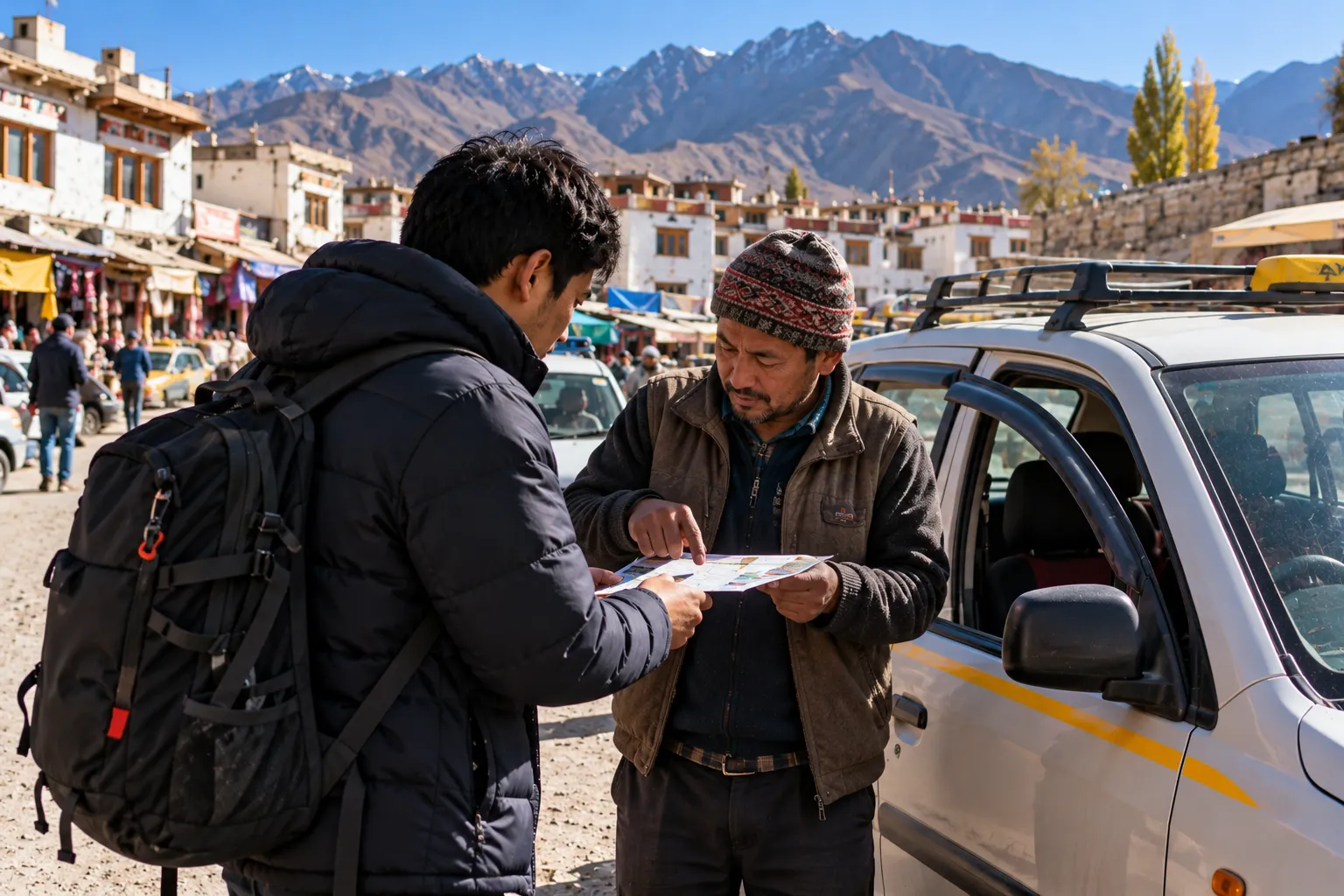
- Save these where you can open them without internet: your booking confirmation, the hotel or homestay address and phone number, your host’s number, your driver’s number, the organiser’s contact, your tickets, and your insurance details. Use screenshots or PDFs in one folder.
- Print the key ones. A paper copy still works when a phone is dead or cold. Keep one in your daypack and give one to your travel partner.
- Write the address in the local language if you can, so a driver or local can read it.
- Emergency numbers to save (check them before you travel):
- 112, the national emergency number. Ladakh Police list it on their tourist page.
- 1363 or 1800 111 363, the Ministry of Tourism’s 24×7 tourist helpline. It runs in English, Hindi and ten international languages, and calls from tourists in India are free.
- Ladakh: Police Control Room, Leh, 01982-258880 (Ladakh Police). DionFest packing list also lists SNM Hospital, Leh, at 01982-252014, citing Ladakh Tourism.
- Tell someone your plan. Share where you will be and when you will message them.
- At the Kumbh Mela, DionFest Kumbh Mela guide says medical camps are set up across the grounds, so note their locations when you arrive. For the 2025 Maha Kumbh, authorities also ran a digital lost-and-found system with voice support in local languages, and UP Police’s 112 helpline was deployed at the event. Check whether the next mela’s administration publishes similar help.
Power banks and battery-saving techniques
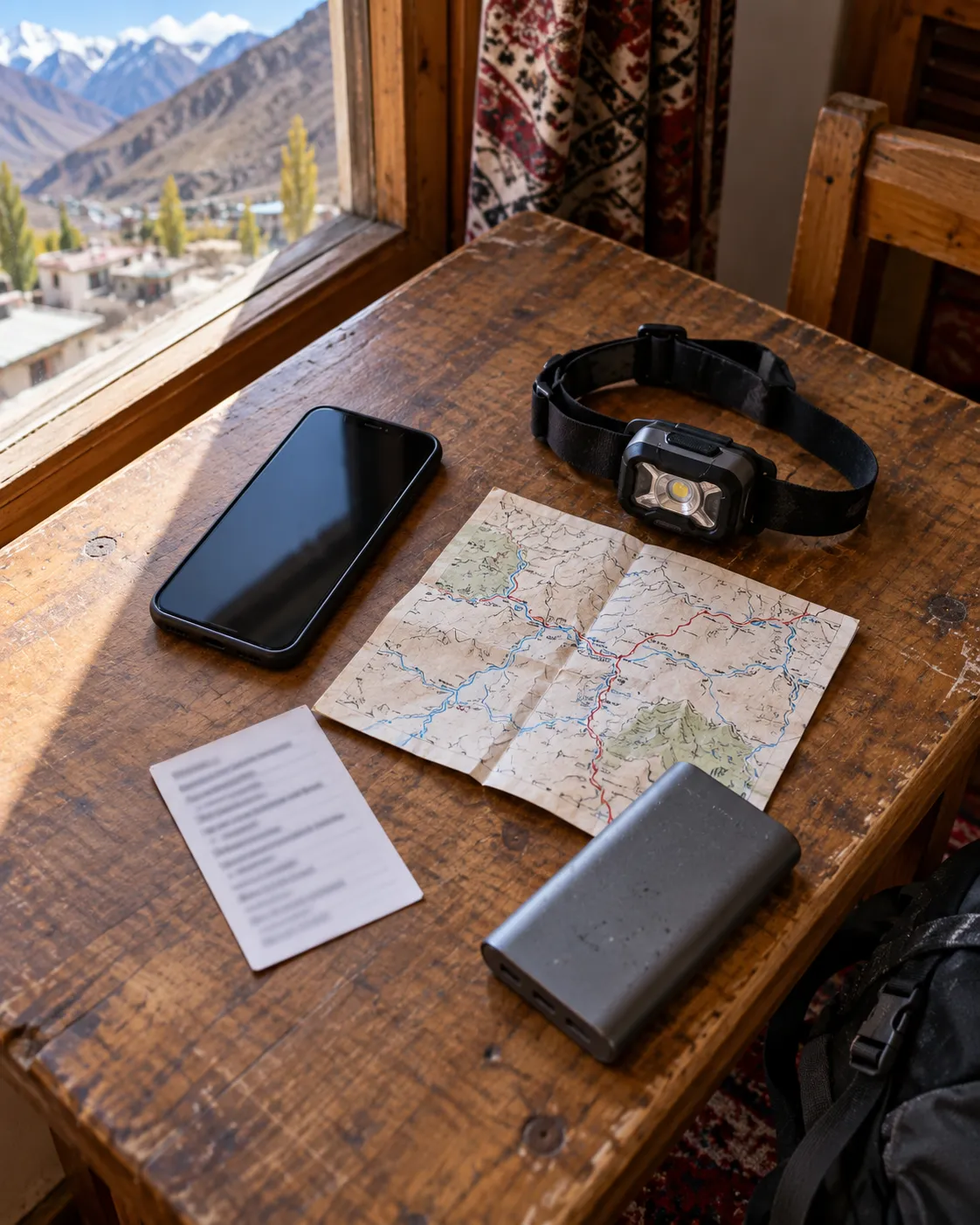
- Cold drains batteries. Apple says iPhones are designed for use between 0° and 35°C. In very cold conditions the battery life may shorten and the phone may turn off, and normal battery life returns when it warms up. Dawn rituals at altitude are where this bites. Keep your phone and power bank in an inner pocket close to your body.
- Heat causes trouble too. Apple says that when a phone gets too hot, mobile signal may weaken and navigation may turn off the screen, though audible directions continue. Do not leave it on a dashboard in the sun.
- Save power. Turn on low-power or battery-saver mode, lower the screen brightness and close apps you do not need. In areas with no signal, airplane mode stops the phone searching for a network. Test at home that your offline map still shows your location in airplane mode before you rely on this.
- Buy a power bank by watt-hours, not only mAh. A rough formula is mAh × 3.7 ÷ 1000. A 20,000 mAh power bank is about 74 Wh. A 30,000 mAh one is about 111 Wh.
- Flying with it in India. Airlines and reports on DGCA rules say: carry power banks in hand baggage only, not in checked bags. Up to 100 Wh needs no airline approval. 100–160 Wh needs the airline’s approval. Above 160 Wh is banned. DGCA also bars using a power bank to charge devices during a flight. Airlines differ, so check yours. DionFest’s packing list covers this in more detail.
- Carry the cable and a headlamp. A headlamp saves your phone battery on dark forest paths.
- Charge every night. In small villages, expect power cuts and slow charging.
Backup navigation and communication plans
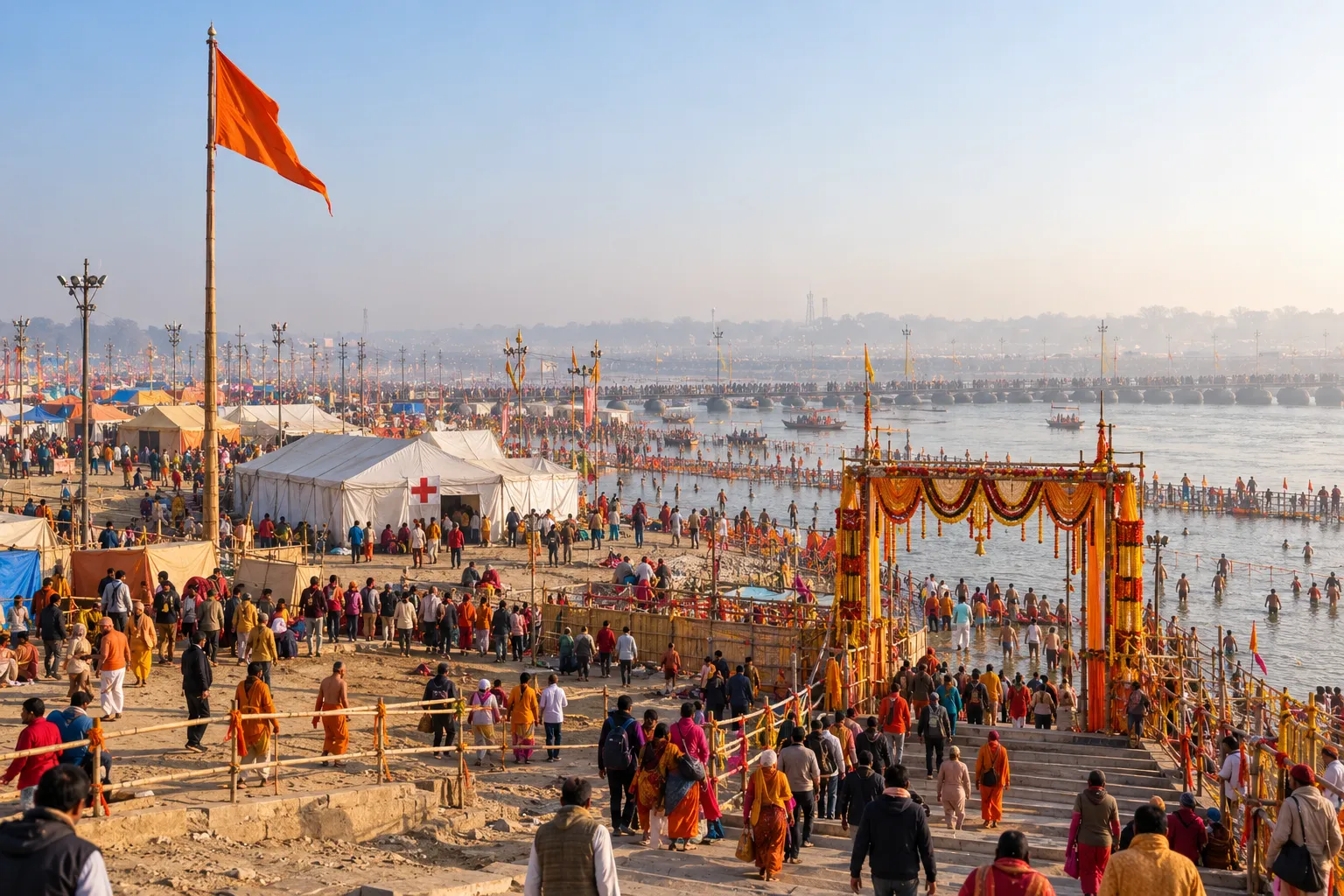 Assume at some point the phone will fail. Plan for it.
- Paper. Carry a printed route, the names of the places on it, and your hotel’s address and phone number.
- People. Agree a check-in time with someone at home. If you do not message by then, they know whom to call.
- Meeting points for groups. DionFest’s Kumbh guide advises arriving early and setting a meeting point before you enter the main ghat area. Choose a fixed landmark, not “near the gate”. Write the plan down for every member, and for children, write a phone number on a card in their pocket.
- Local help. Ask your host about trails and guides. DionFest’s Devrana guide says visitors base themselves in Naugaon, which has basic guesthouses.
- Know where the signal is. Find the nearest town or point on your route that has signal, and plan your check-ins there.
- Do not plan around satellite. Apple’s satellite emergency feature uses Globalstar’s network. Globalstar’s submissions to India’s telecom regulator (TRAI) show it was seeking to enter India, and a Global Rescue note says the feature is unavailable in India pending government approval. India treats satellite communication as a licensed service. One Ladakh guide says satellite phones are forbidden there. Before you bring any satellite phone or messenger, check with the Department of Telecommunications or local police.
One-day-before checklist
- Maps downloaded, and tested in airplane mode
- SIM or eSIM installed, and confirmed to work at your destination (especially in Ladakh)
- Hotel details, tickets and emergency numbers saved offline and printed
- Phone and power bank fully charged, and the power bank in your hand baggage
- Meeting point and check-in plan shared
- Small-note cash packed (see the packing list)

Abhay Ramola researches world festivals across primary sources, local accounts, and on-ground reporting. He founded Dionfest to cover what gets missed when festivals become tourism content the history, the ritual, and the people behind it.